Lesson 1
Familiarize Yourself with the Everfit Dashboard
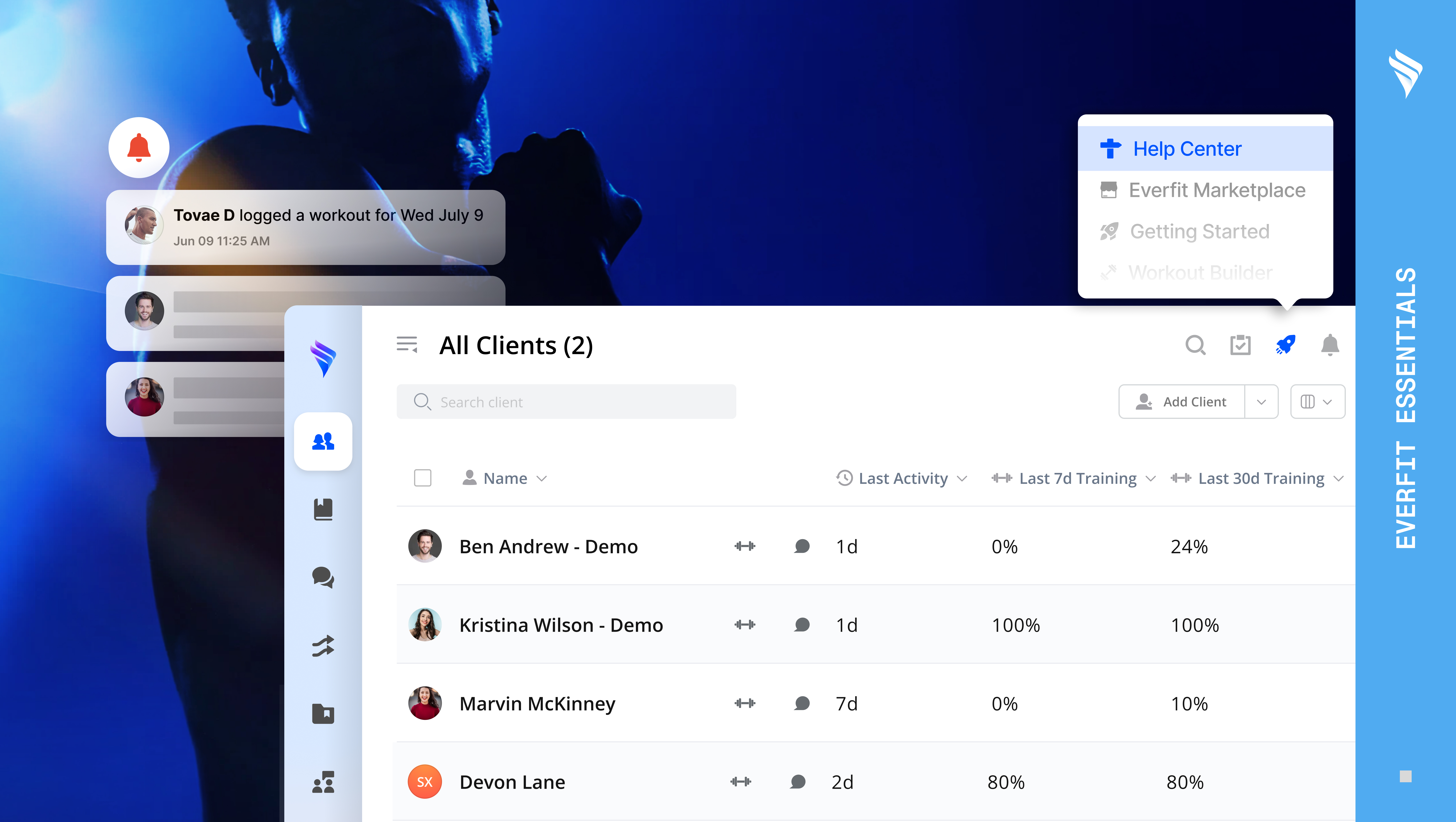
Get to know the Everfit dashboard, including navigation, your client list, key shortcuts, and where everything lives, so you can hit the ground running from day one.
3m
Get oriented in Everfit, configure your account, and set up the foundations of your coaching business.
Get to know the Everfit dashboard, including navigation, your client list, key shortcuts, and where everything lives, so you can hit the ground running from day one.
3m
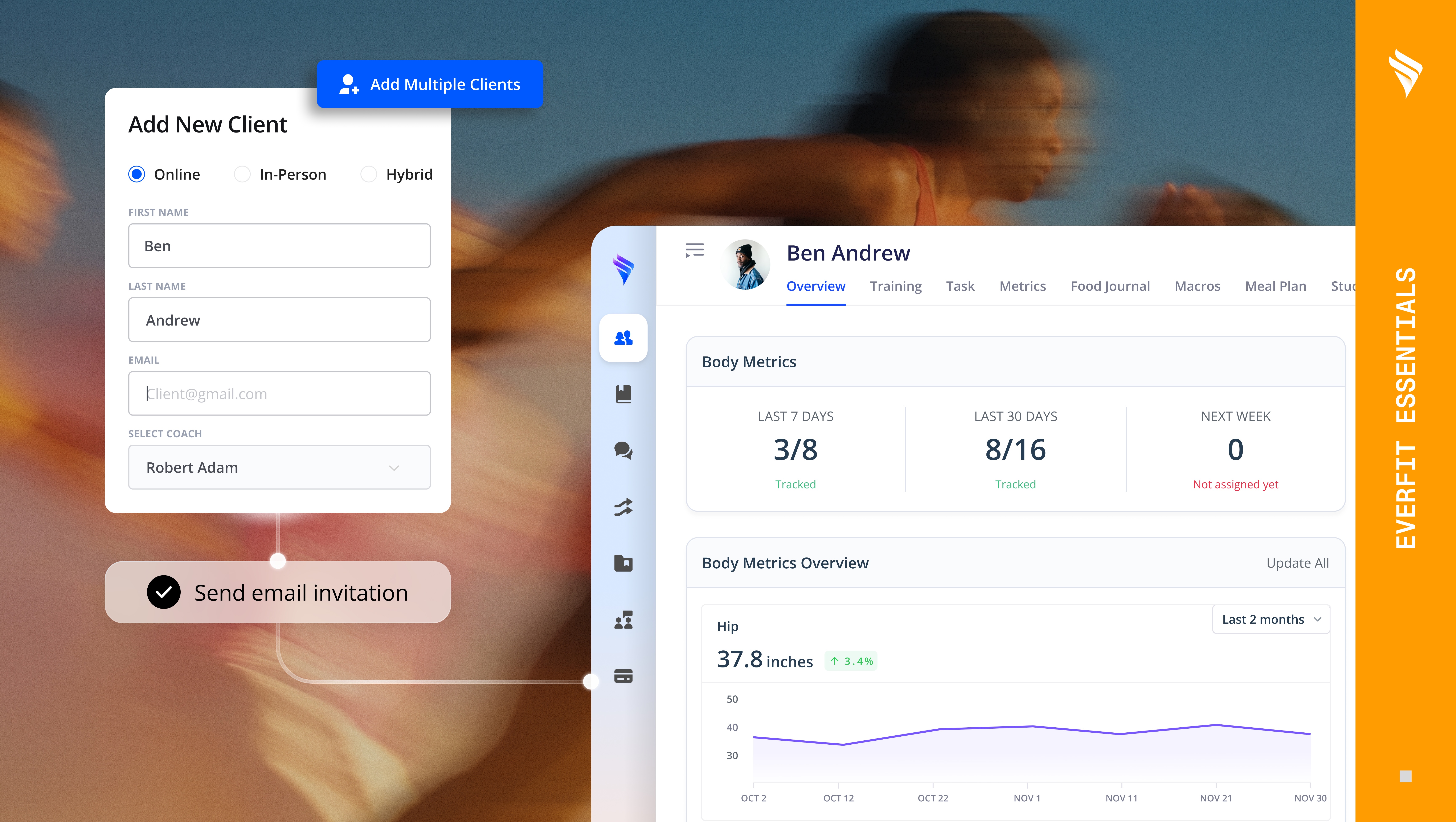
A walkthrough of the client list and individual client profile. Learn how to filter and organise your clients, understand their status, and navigate every tab of the profile.
4m
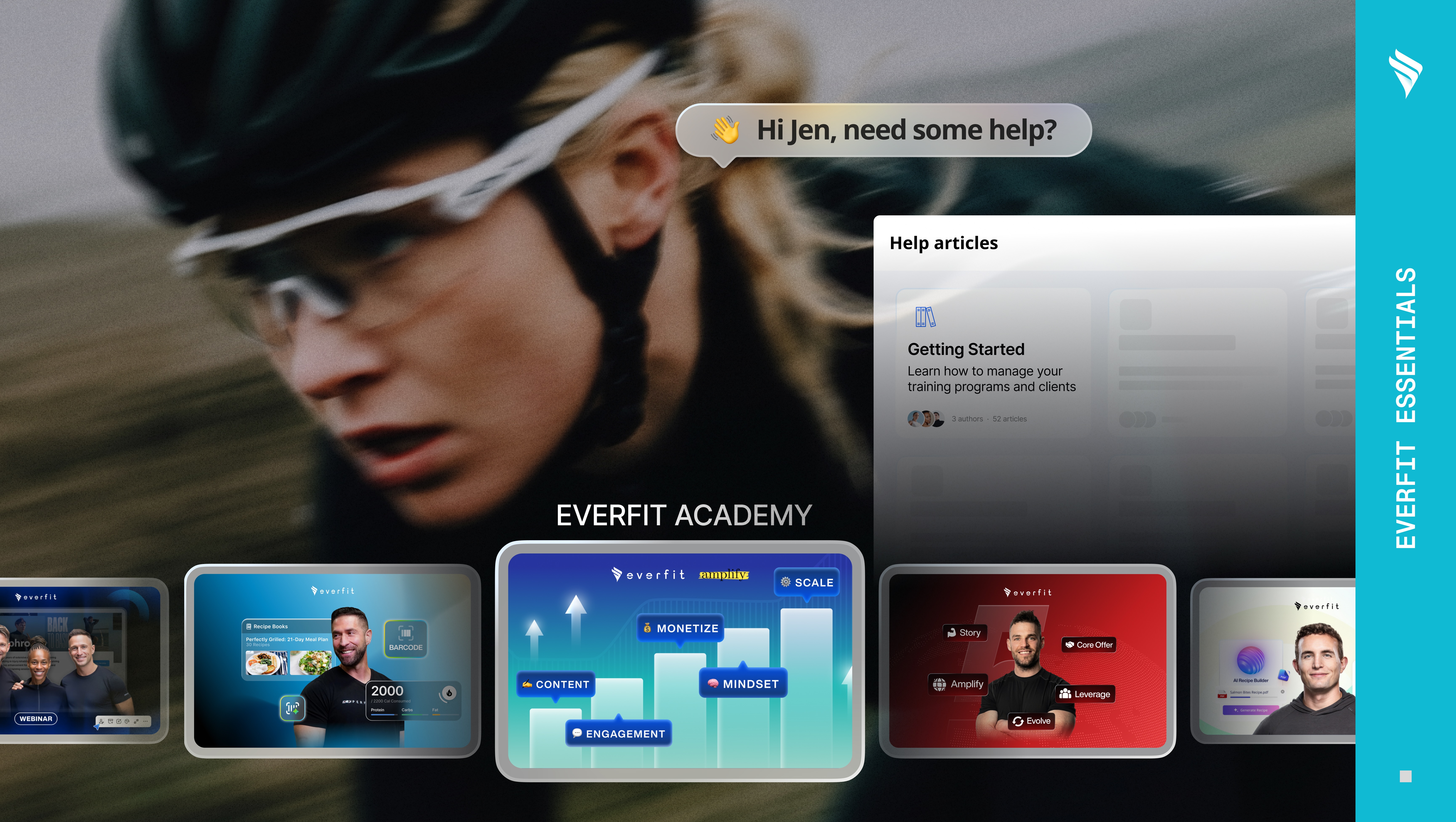
Learn where to find valuable resources, including help articles, video tutorials, and Academy courses, directly inside Everfit.
2m
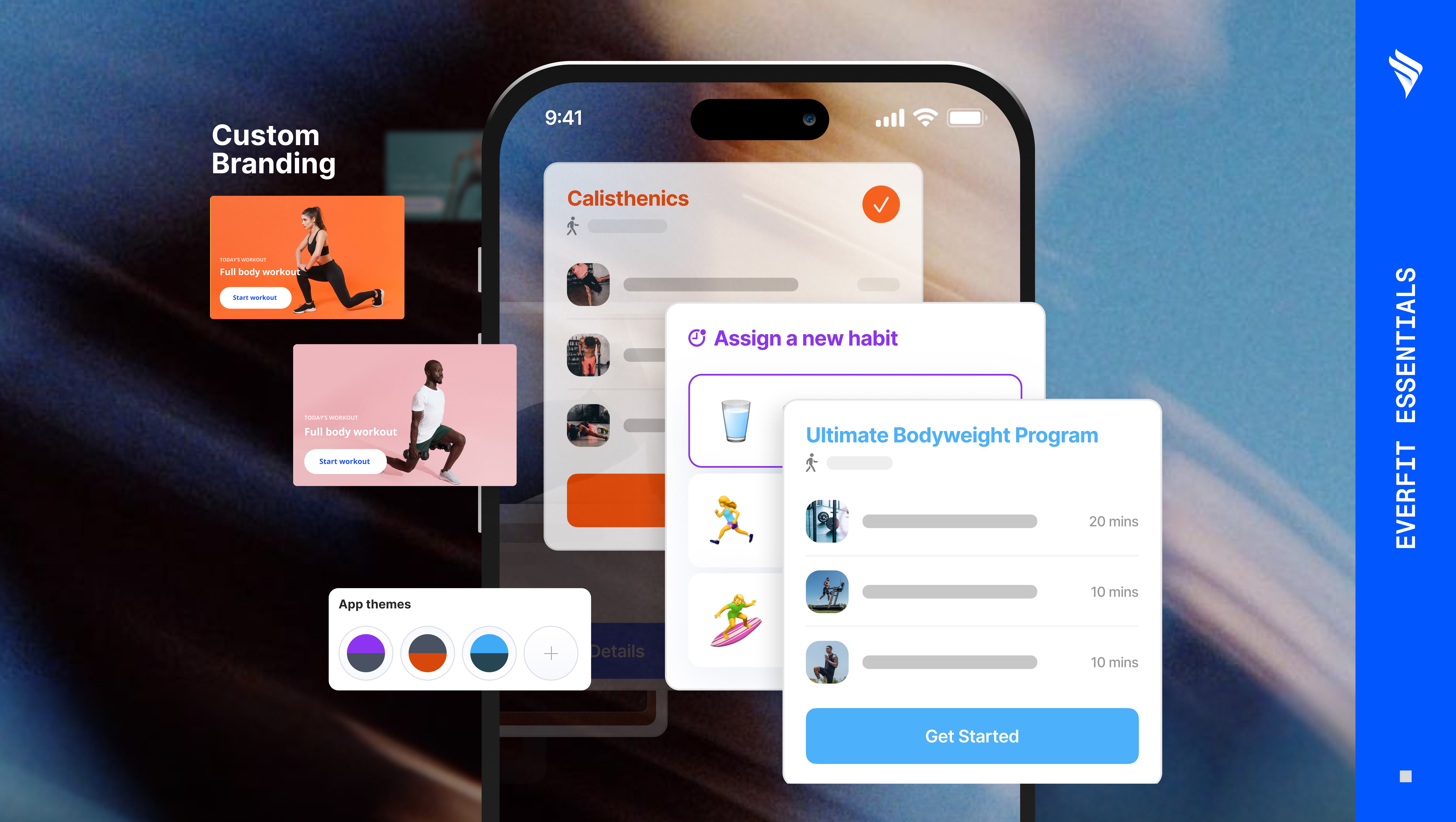
Learn to customize every branding touchpoint in Everfit and make your coaching business look polished, professional, and 100% on-brand.
5m
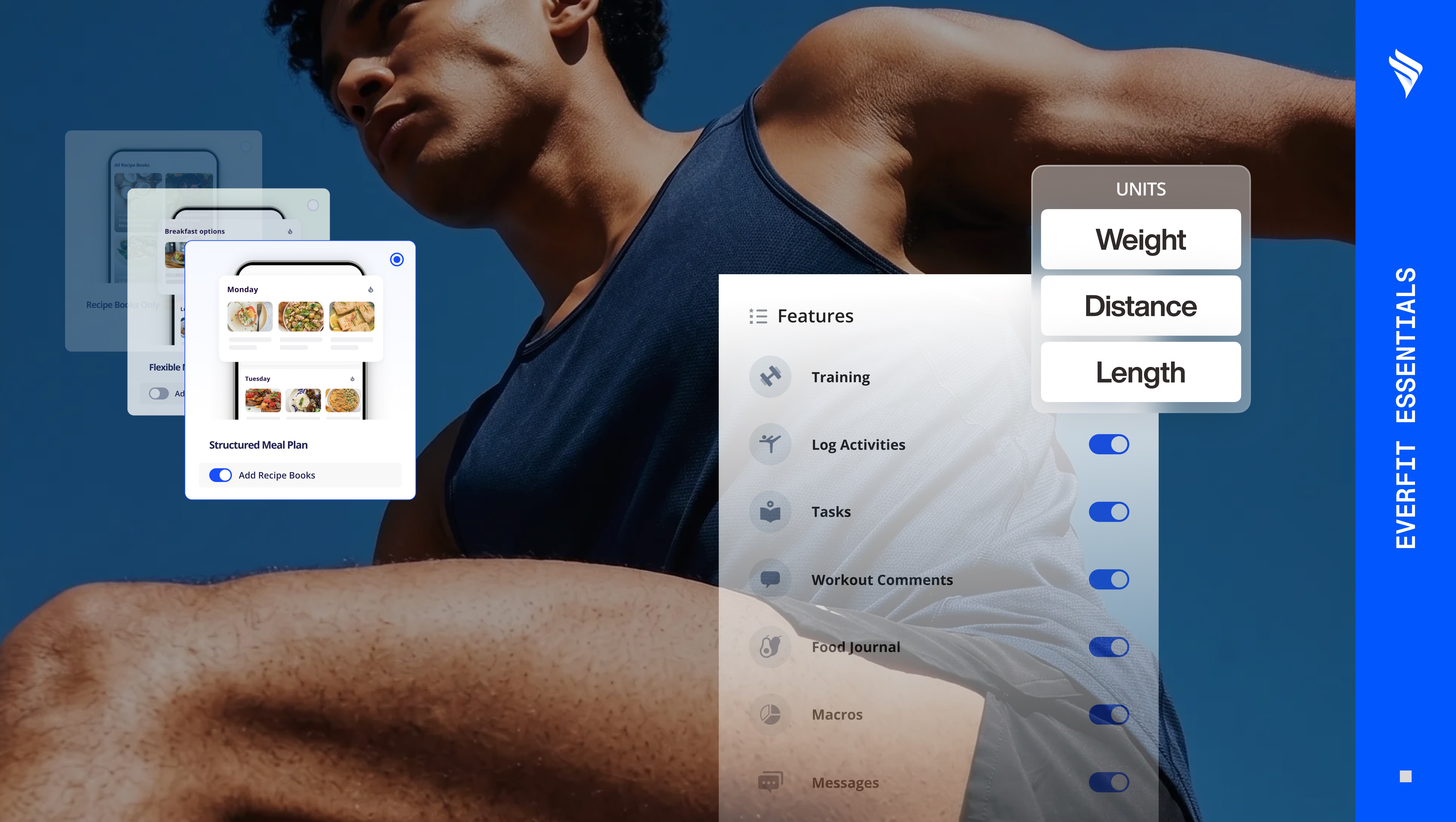
Learn to configure features, permissions, and workout visibility so each client gets an experience tailored to how you coach them.
5m
LESSON
1/5
Get to know the Everfit dashboard, including navigation, your client list, key shortcuts, and where everything lives, so you can hit the ground running from day one.
3m
A walkthrough of the client list and individual client profile. Learn how to filter and organise your clients, understand their status, and navigate every tab of the profile.
4m
Learn where to find valuable resources, including help articles, video tutorials, and Academy courses, directly inside Everfit.
2m
Learn to customize every branding touchpoint in Everfit and make your coaching business look polished, professional, and 100% on-brand.
5m
Learn to configure features, permissions, and workout visibility so each client gets an experience tailored to how you coach them.
5m