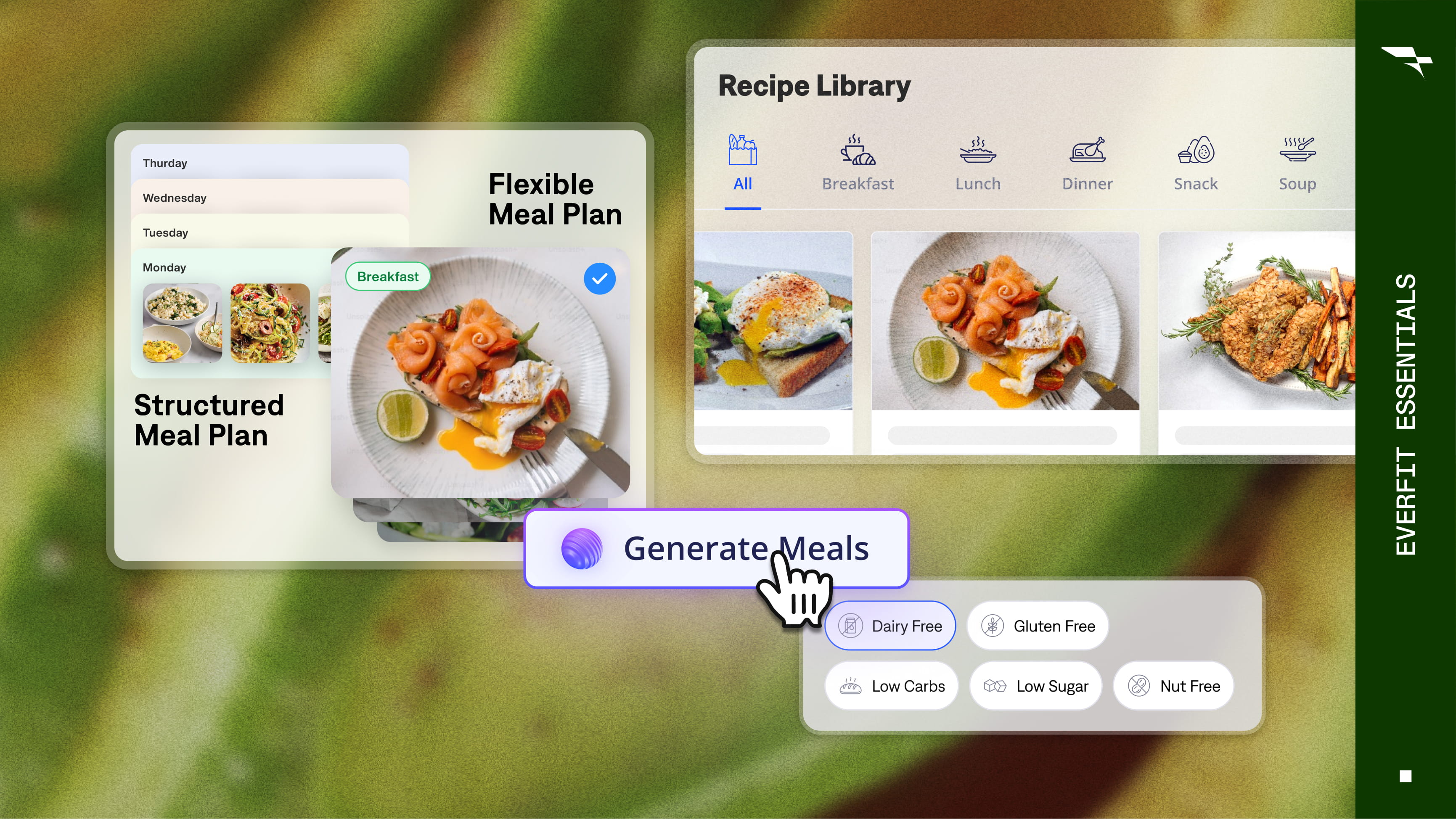
Lesson 1
Understand Nutrition Coaching on Everfit
Learn about the different nutrition features on Everfit and identify the right tools for your coaching model, from macros to meal plans.
11m
Deliver nutrition coaching in Everfit, from recipes and meal plans to automated generation and macro tracking.
Learn about the different nutrition features on Everfit and identify the right tools for your coaching model, from macros to meal plans.
11m
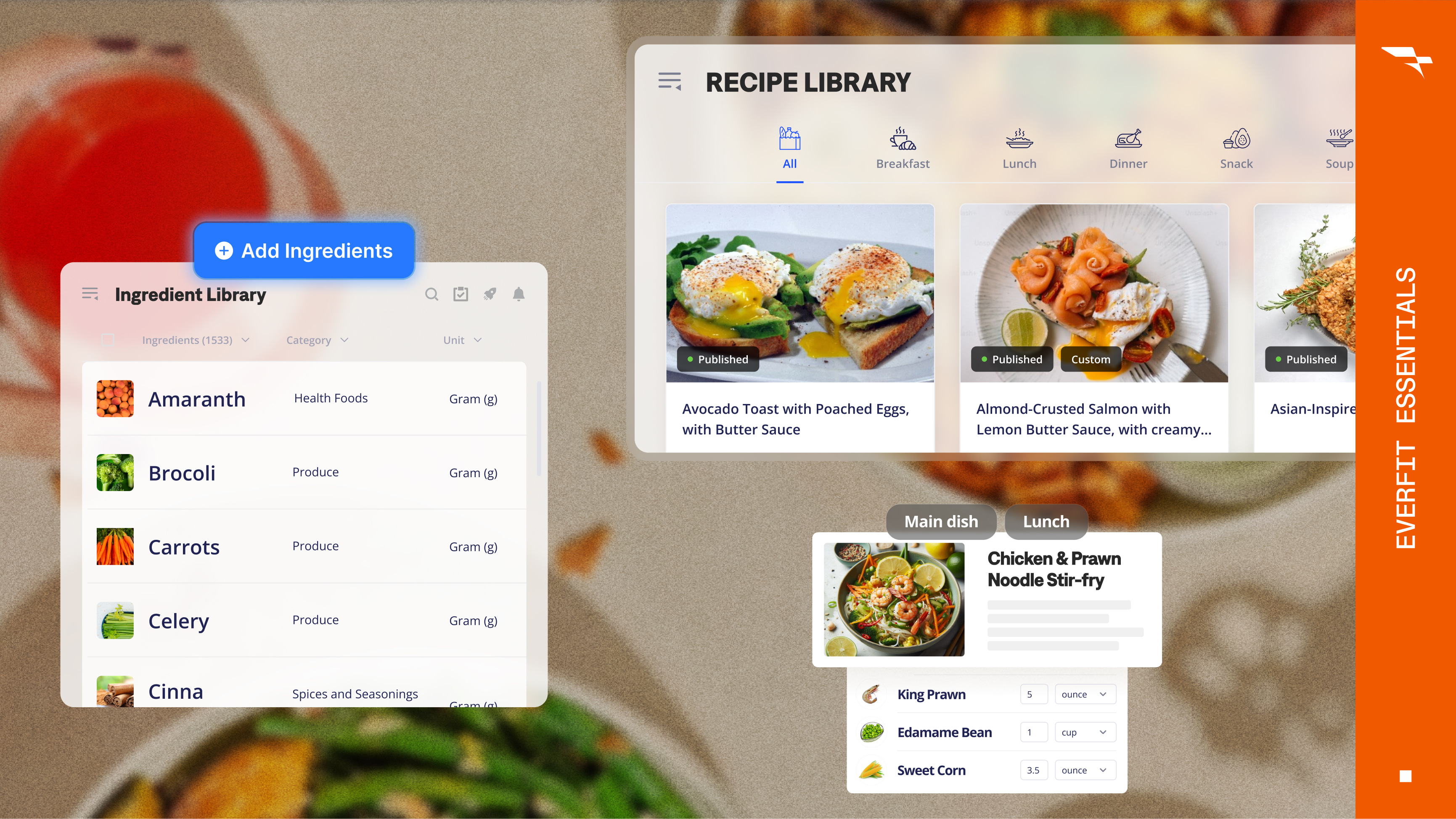
Learn how to use Everfit's built-in recipe library, plus Recipe AI and instant variations, to add or customize recipes.
6m
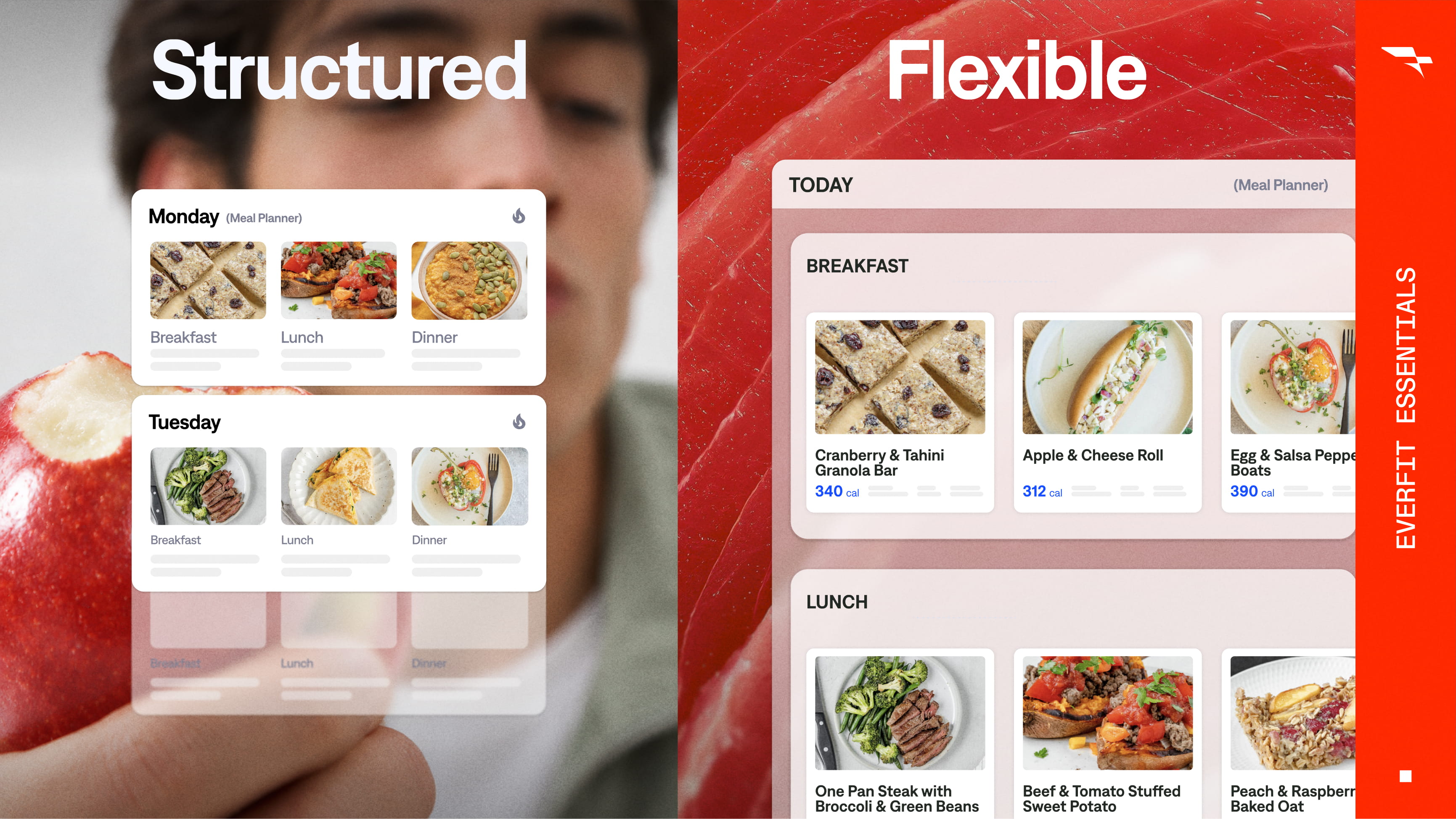
Learn the difference between Structured and Flexible Meal Plans to decide which fits your clients, then build and assign one.
10m
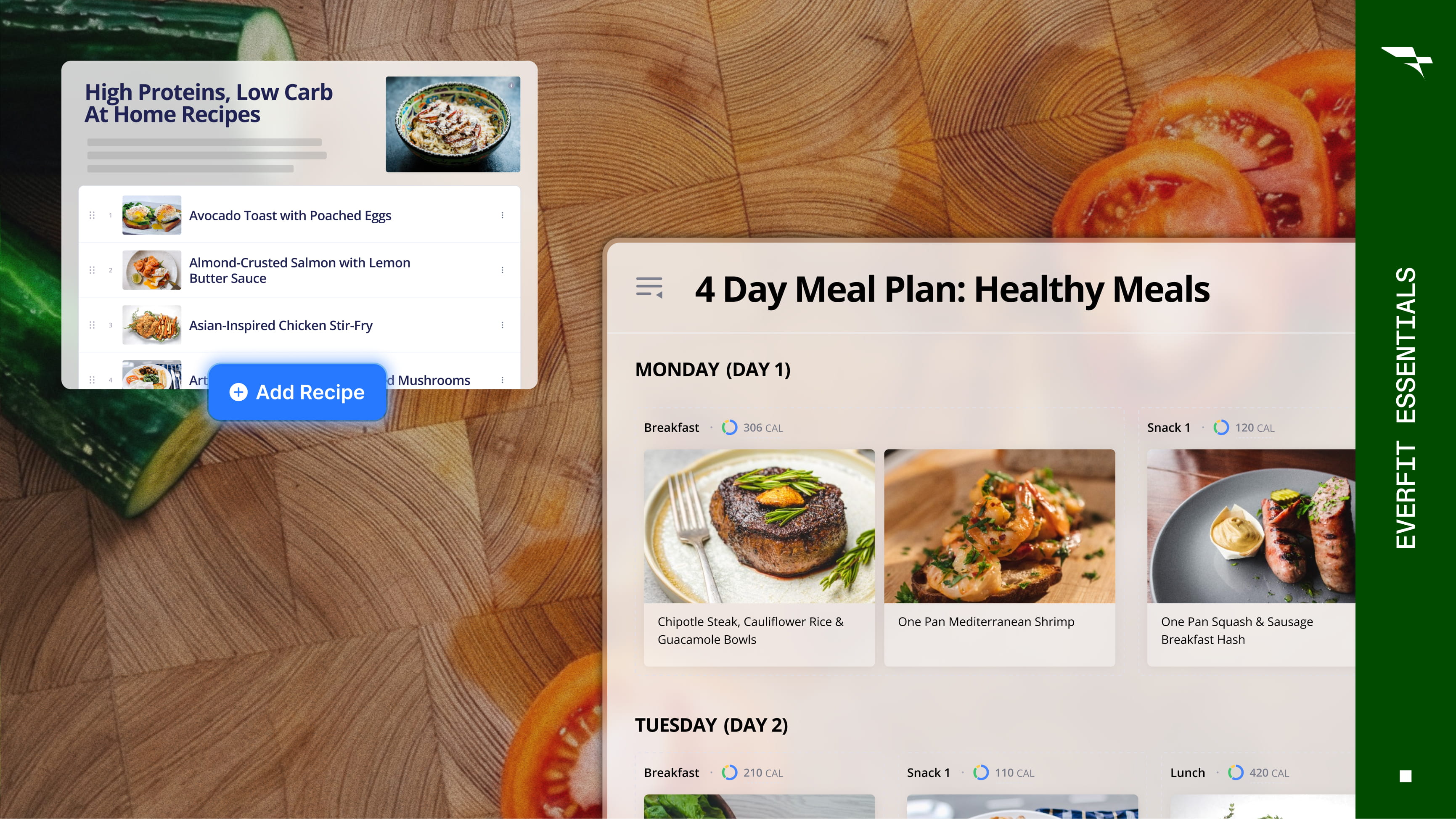
Learn how to build and assign browsable Recipe Books for client inspiration, and Meal Plan Templates to roll the same plan out to a group at once.
5m
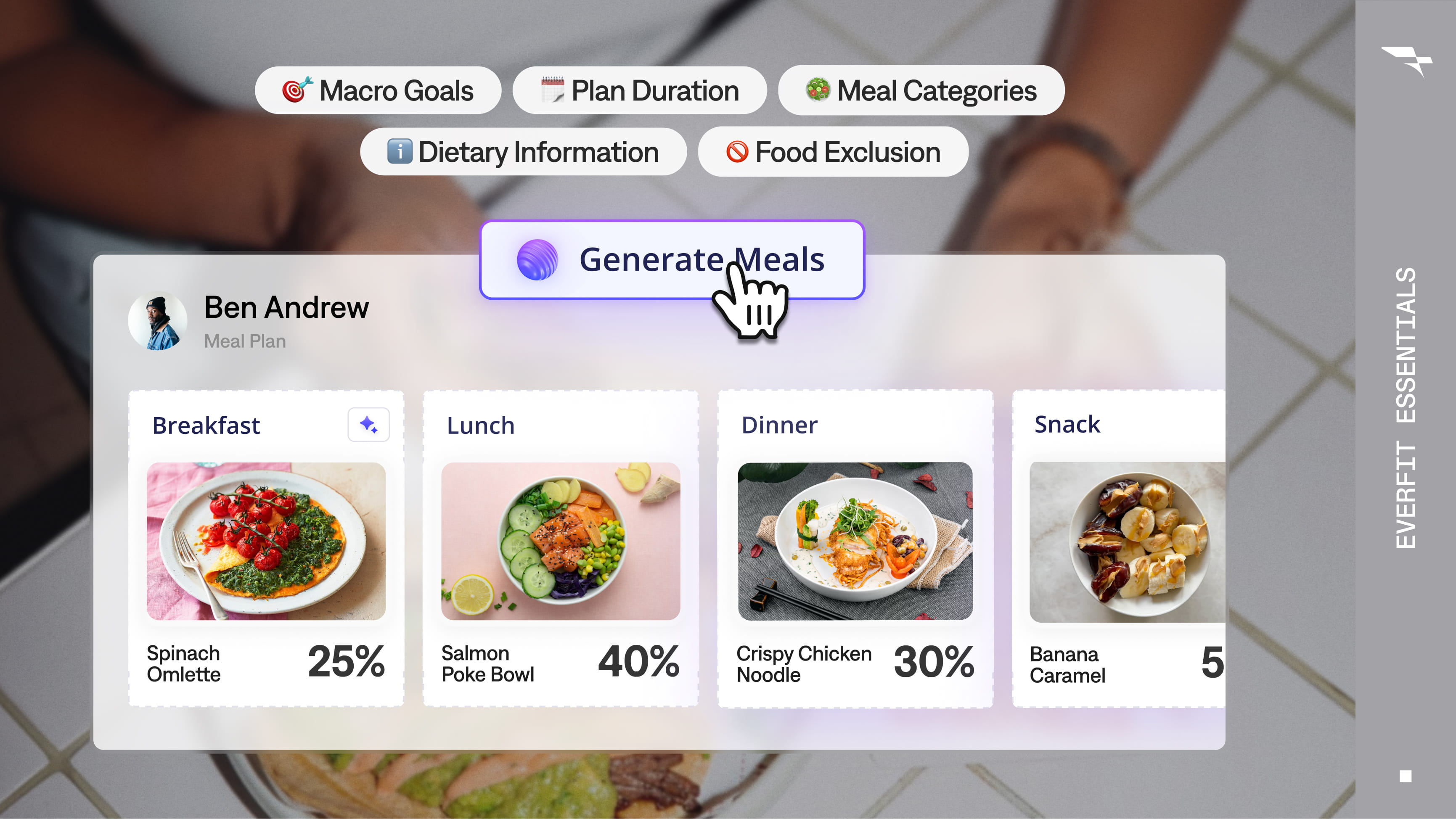
Learn how to generate a full week of meals in one click, specific to an individual client's goals, preferences, and food exclusions.
8m
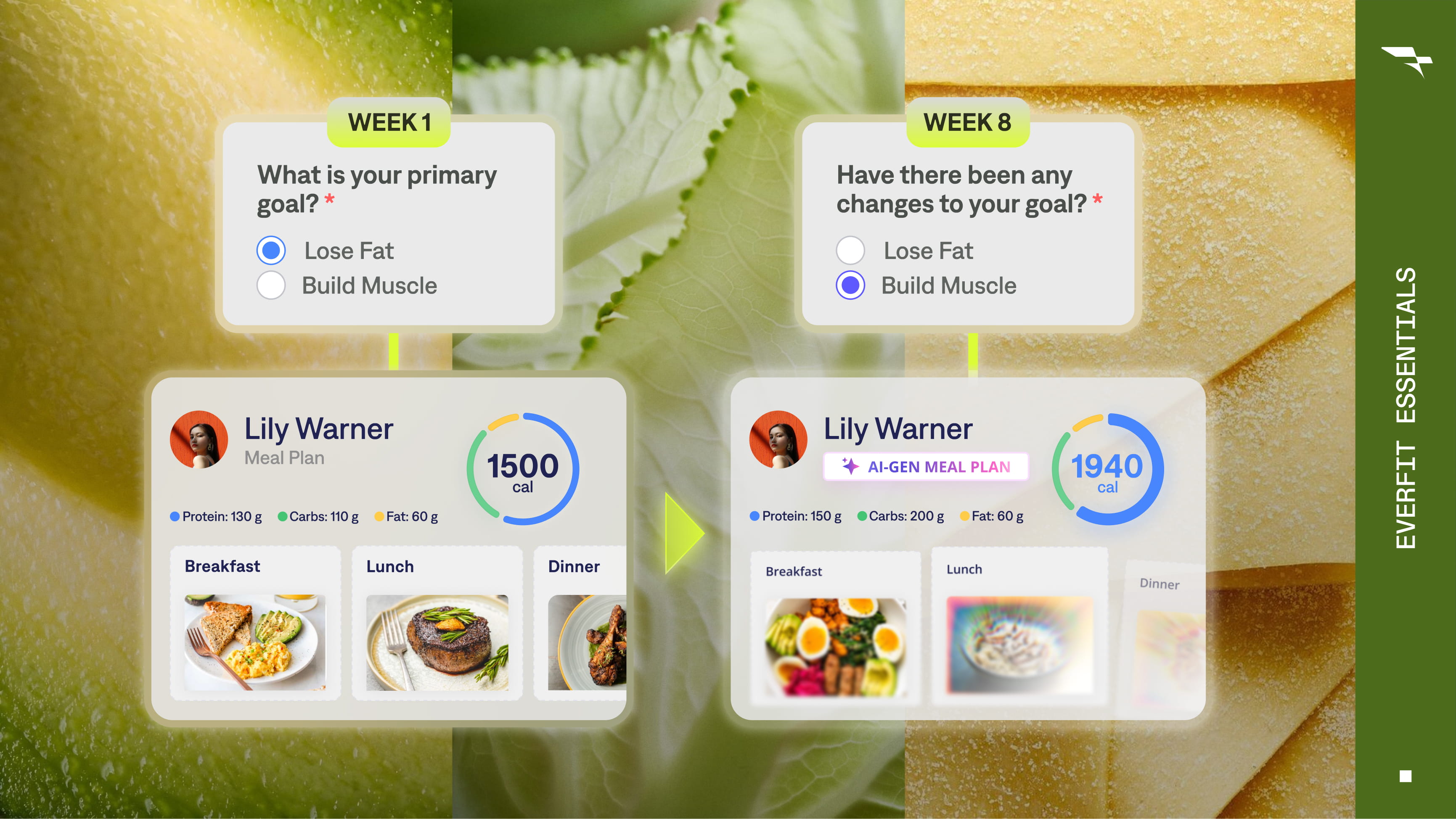
Set up your meal plan system so clients are delivered a new plan automatically whenever their situation changes.
11m
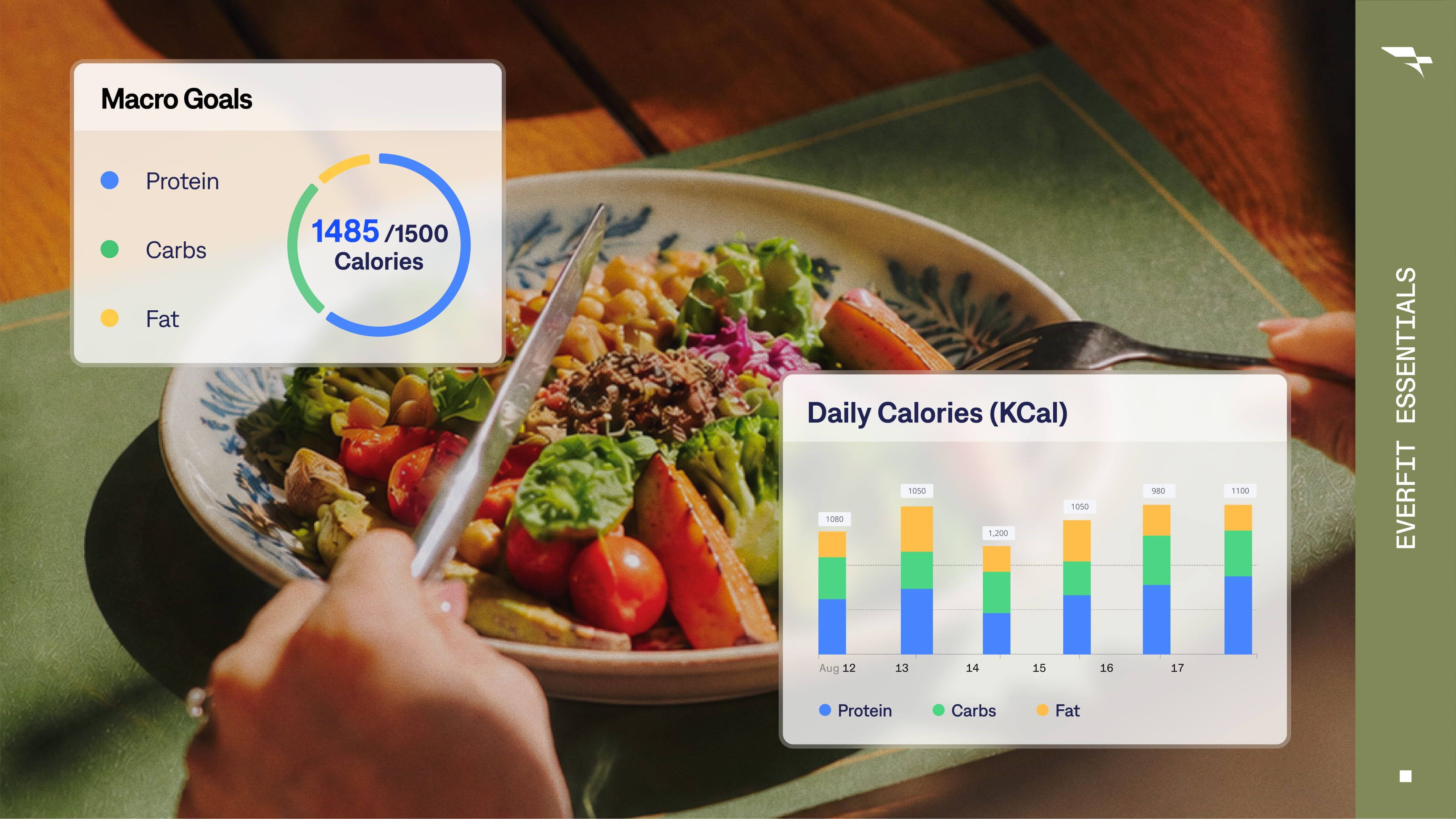
Set up calorie and macro tracking that fits each client, adjustable goals, rest days, and syncing with apps they already use.
8m
LESSON
1/7
Learn about the different nutrition features on Everfit and identify the right tools for your coaching model, from macros to meal plans.
11m
Learn how to use Everfit's built-in recipe library, plus Recipe AI and instant variations, to add or customize recipes.
6m
Learn the difference between Structured and Flexible Meal Plans to decide which fits your clients, then build and assign one.
10m
Learn how to build and assign browsable Recipe Books for client inspiration, and Meal Plan Templates to roll the same plan out to a group at once.
5m
Learn how to generate a full week of meals in one click, specific to an individual client's goals, preferences, and food exclusions.
8m
Set up your meal plan system so clients are delivered a new plan automatically whenever their situation changes.
11m
Set up calorie and macro tracking that fits each client, adjustable goals, rest days, and syncing with apps they already use.
8m